Current workspace screenshots
Applies to release 3.18.1 · View source at the tag · Markdown
On this page
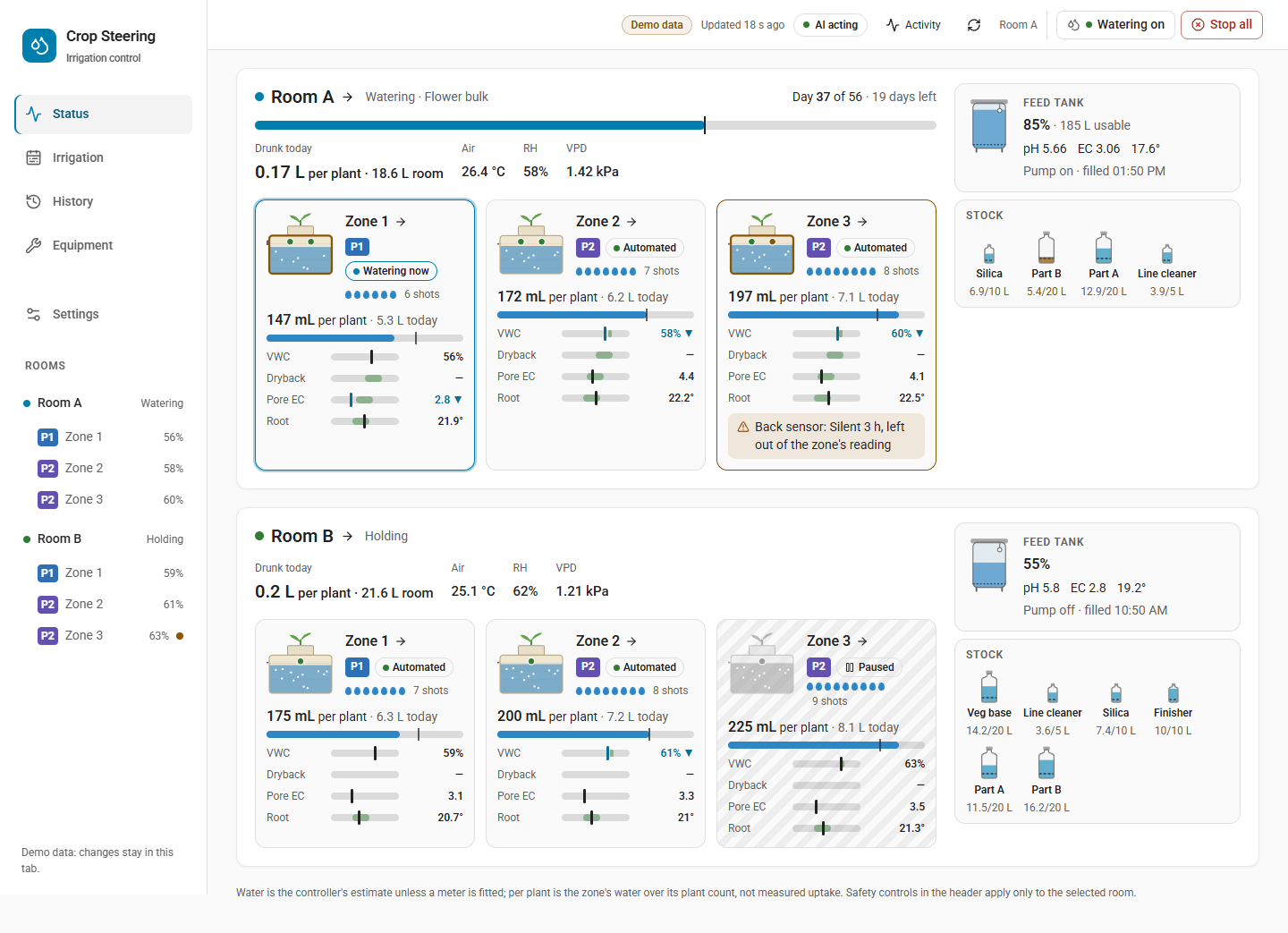
- Status: all rooms
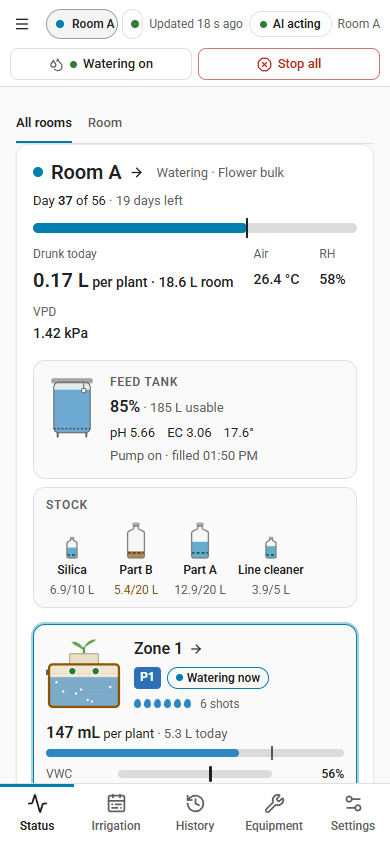
- Status on a phone
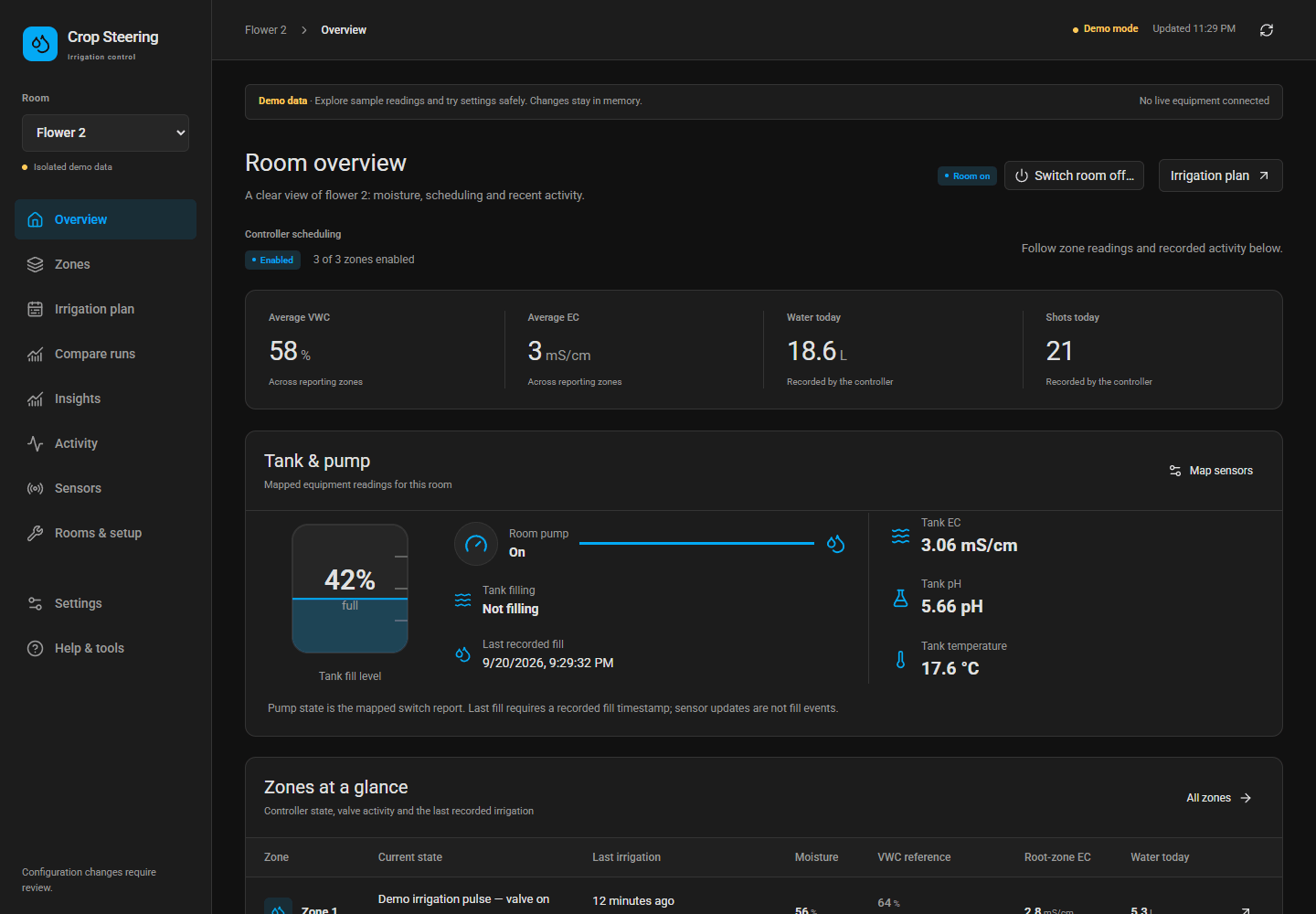
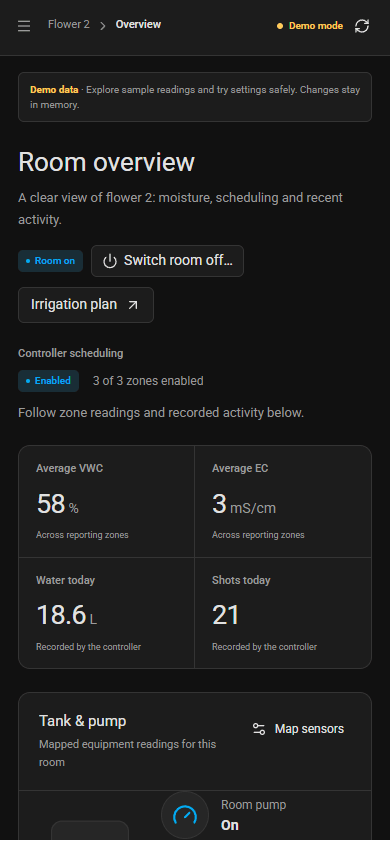
- Status: room
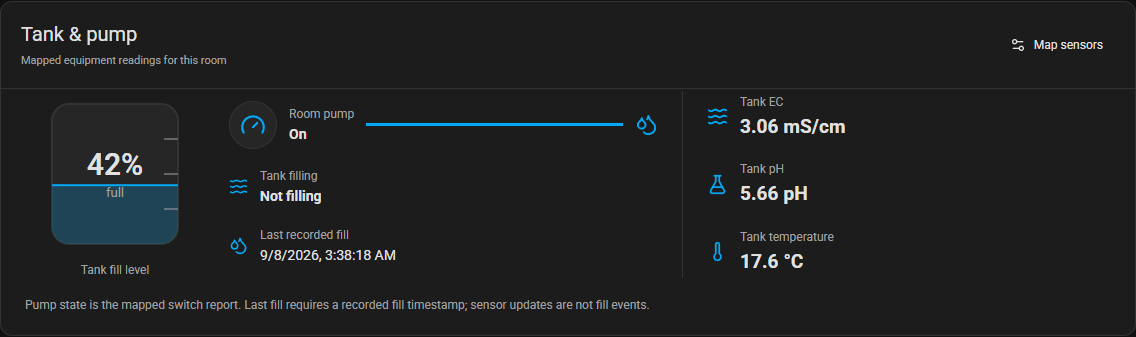
- Tank and pump
- Tank EC and pH history
- Tank level and watering
- Water use per zone
- Stock tanks
- Irrigation: Calendar and combined VWC/EC curve
- Irrigation: Current day, recorded evidence and projected day
- History: recorded sensor explorer
- Irrigation: Current day beside the plan graph
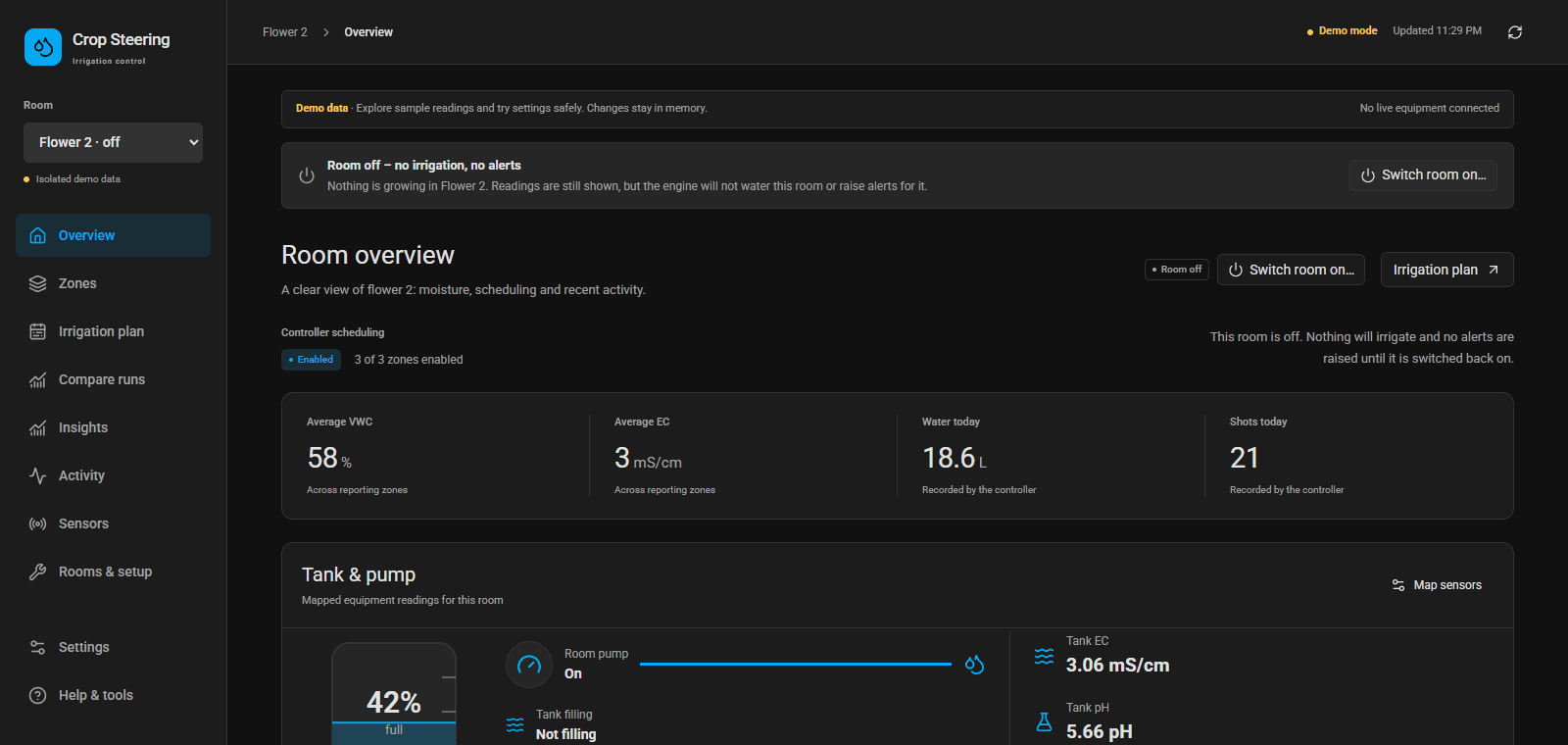
- Room switched off
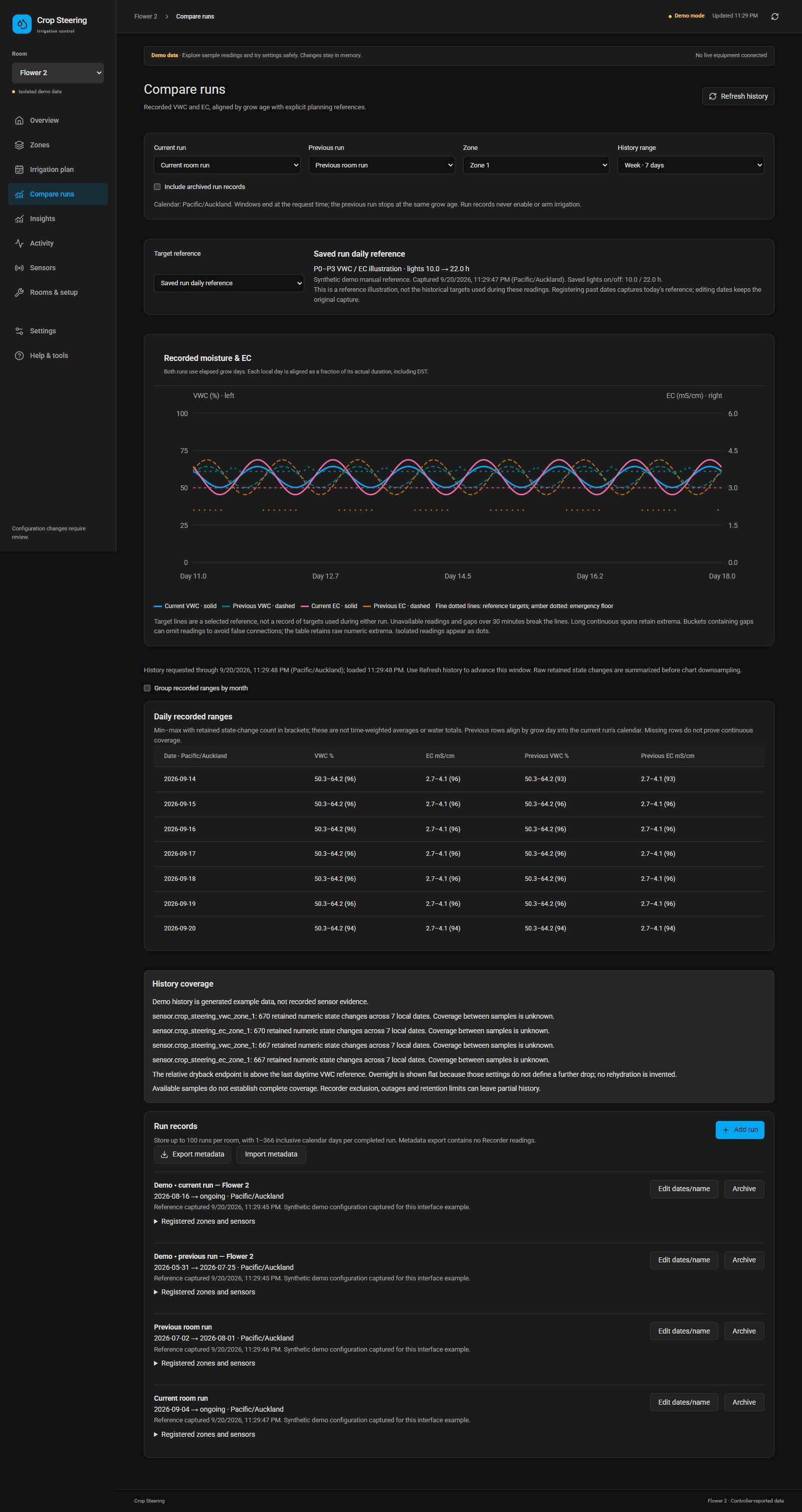
- Recorded run comparisons
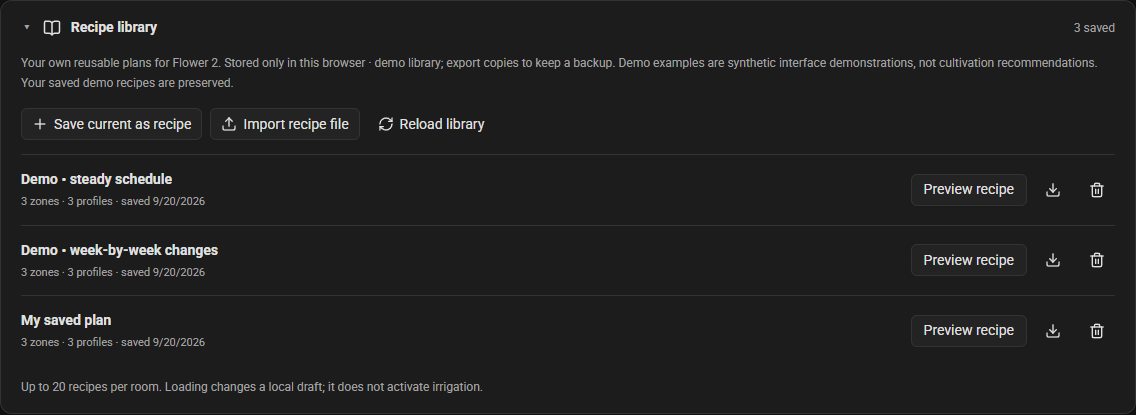
- User-authored recipe library
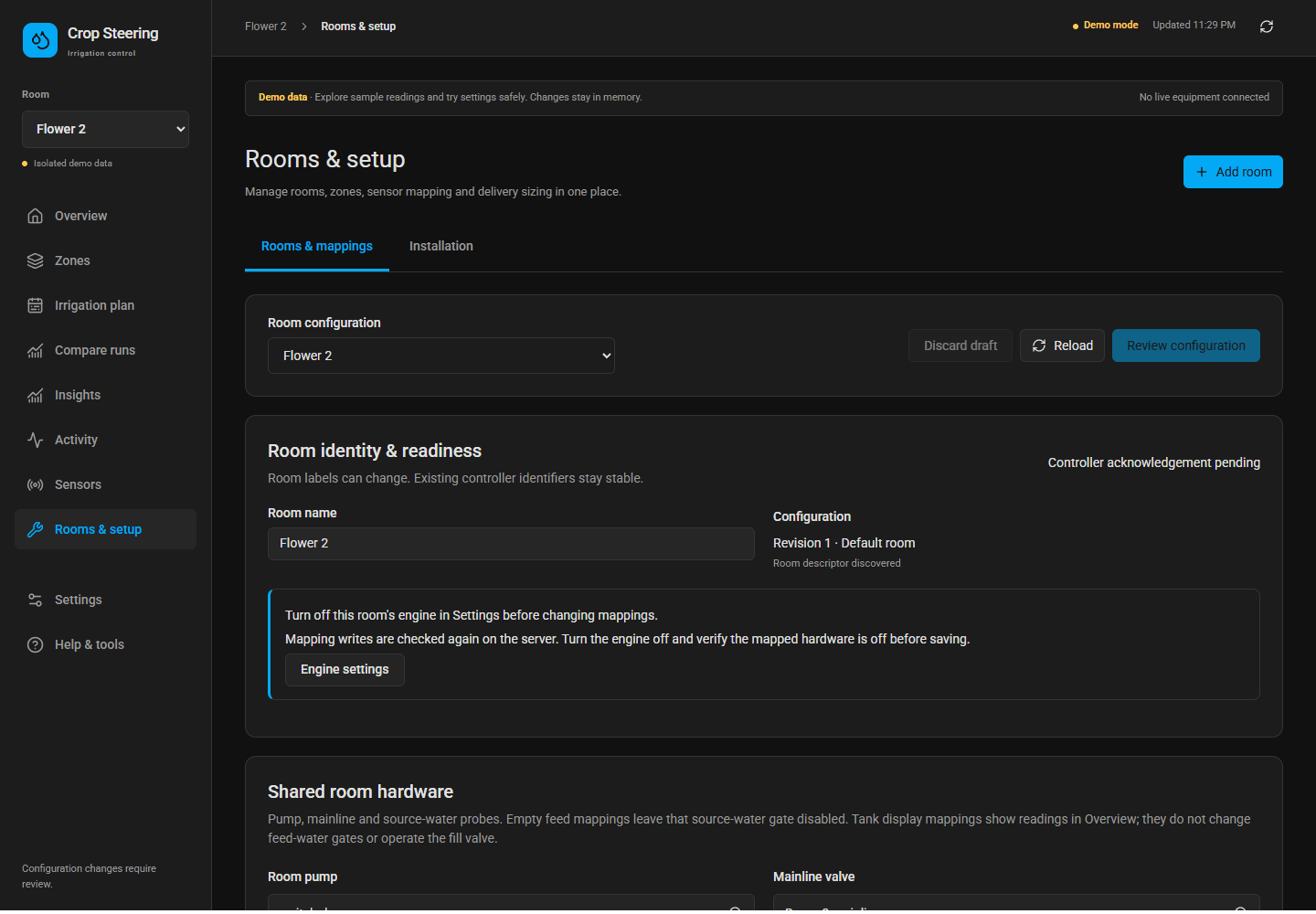
- Rooms and sensor mapping
- Mobile overview
- 3.18 release screenshots
Captured between 18 and 21 October 2026 from www/dashboard.html?demo=1, with isolated sample data, the app clock fixed at 15:50 on 18 October 2026 (the manifest in img/screenshots.json records it) and the light theme. These are current UI examples, not photographs or live facility readings.
Status: all rooms
Status on a phone
Status: room
Tank and pump
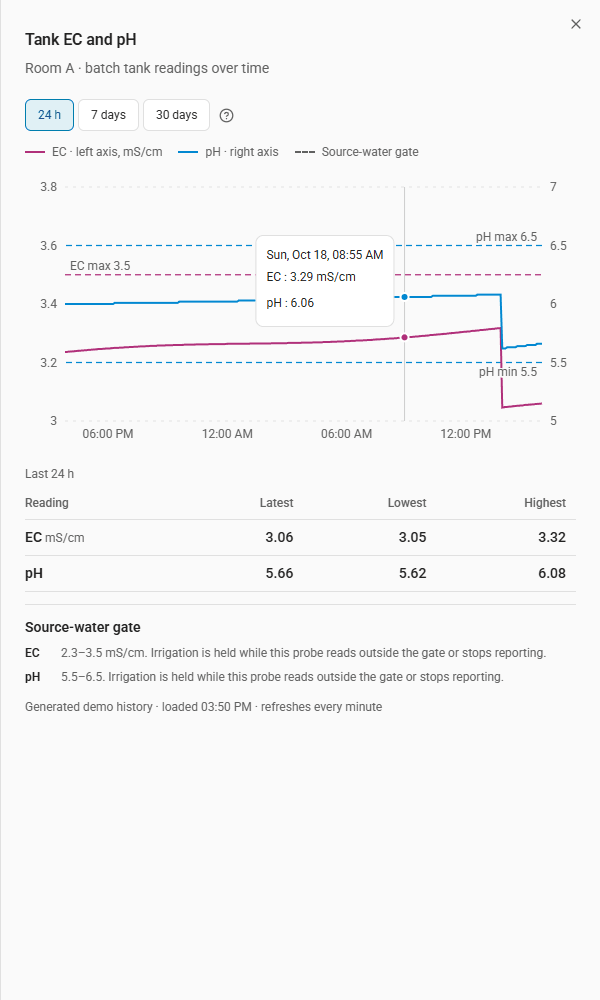
Tank EC and pH history
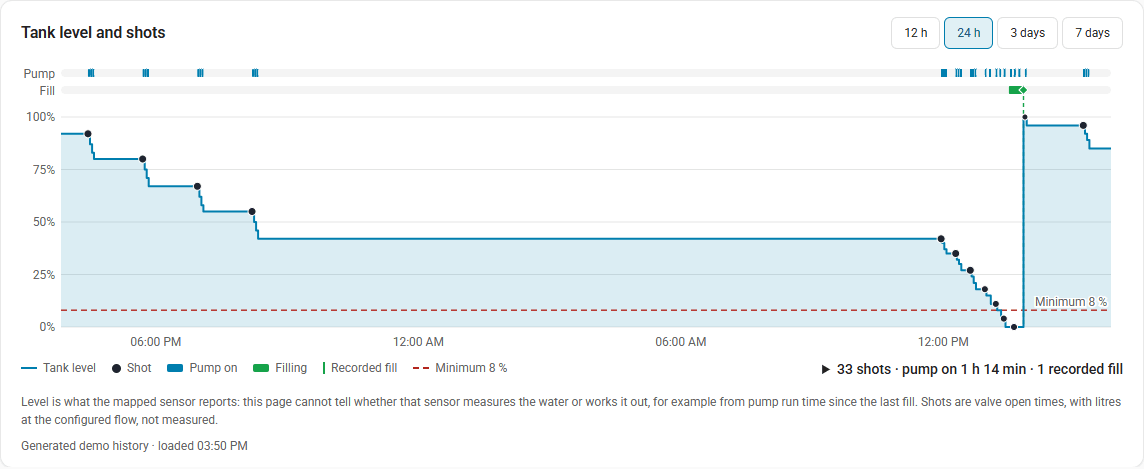
Tank level and watering
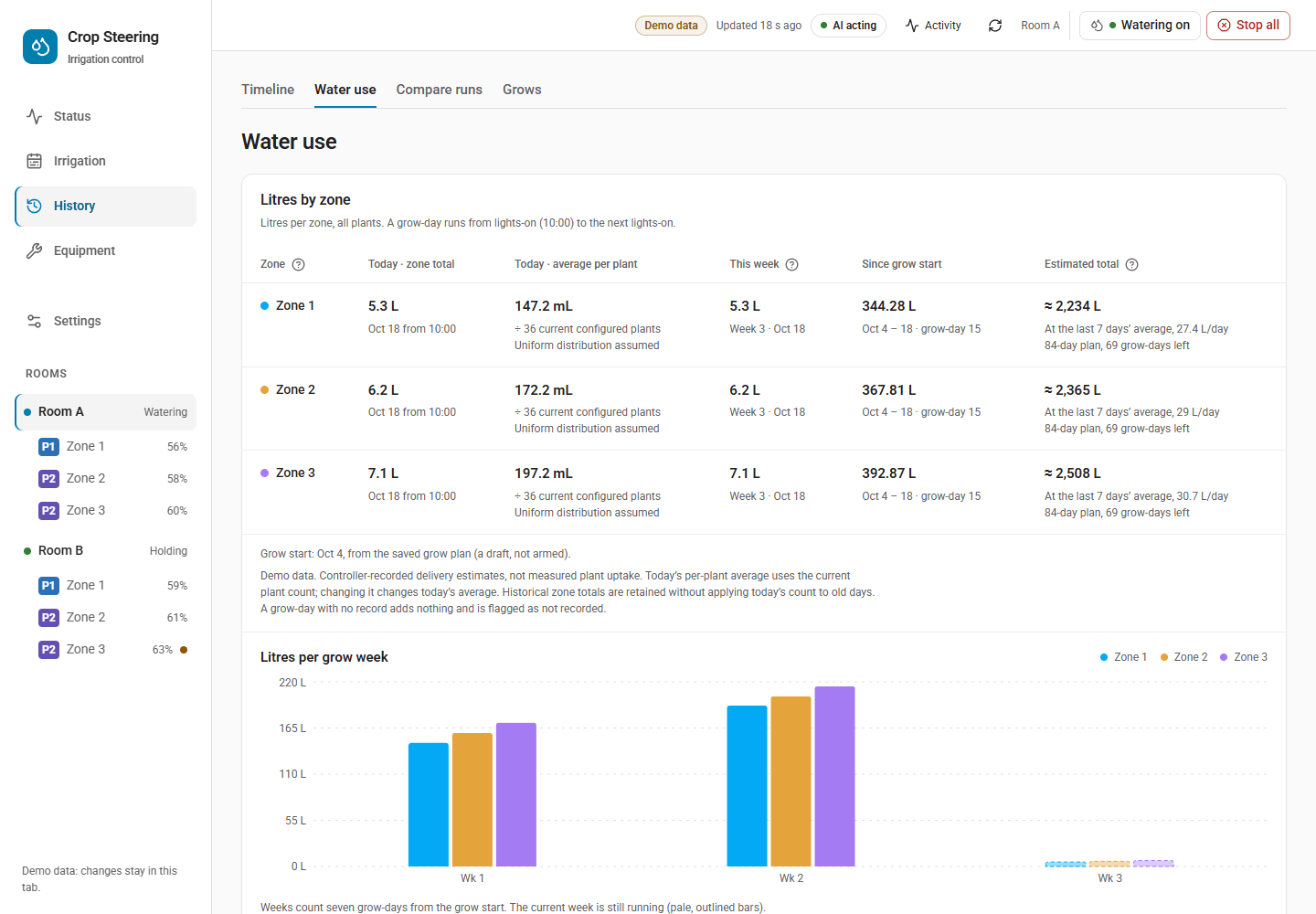
Water use per zone
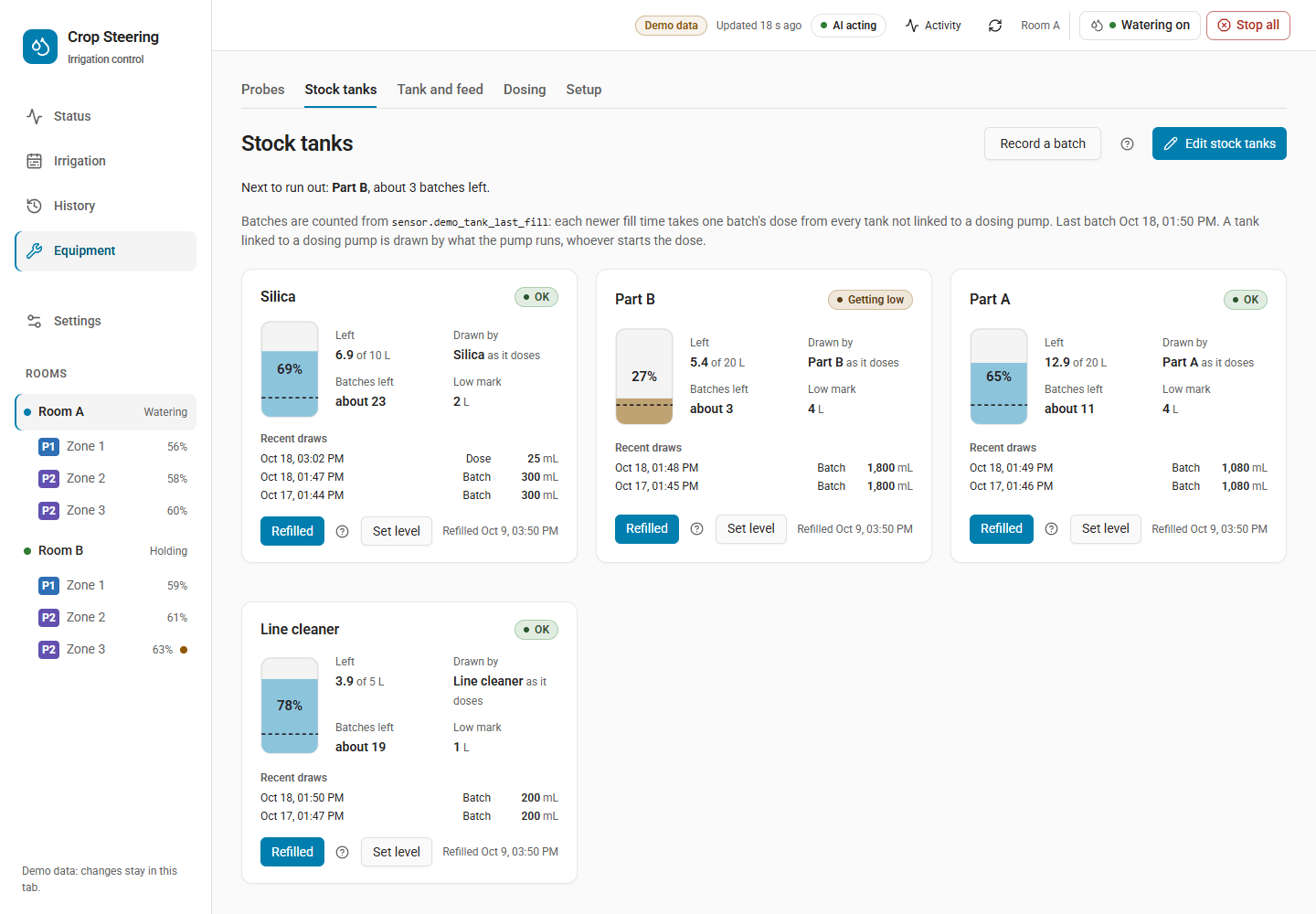
Stock tanks
Irrigation: Calendar and combined VWC/EC curve
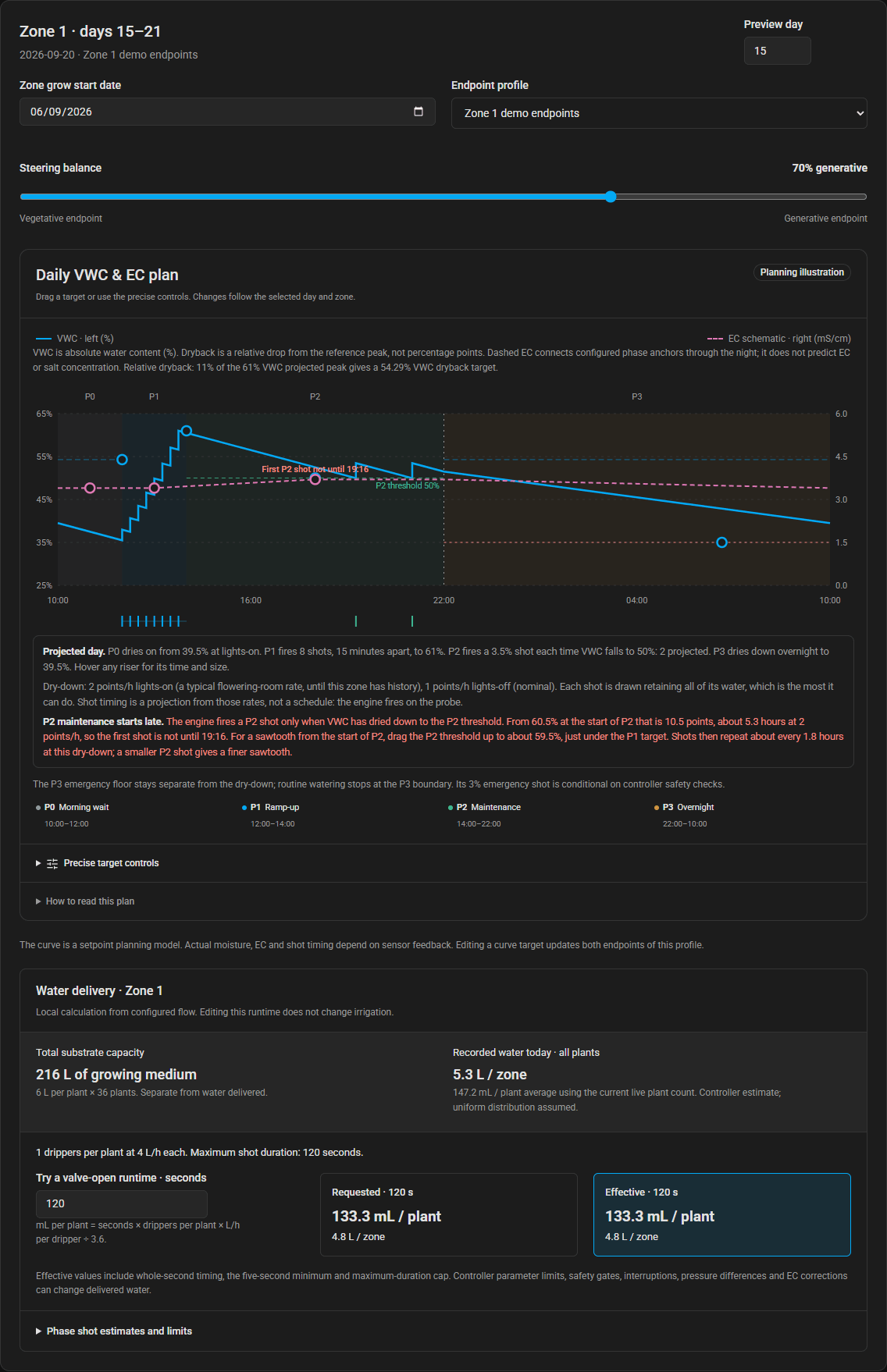
Irrigation: Current day, recorded evidence and projected day
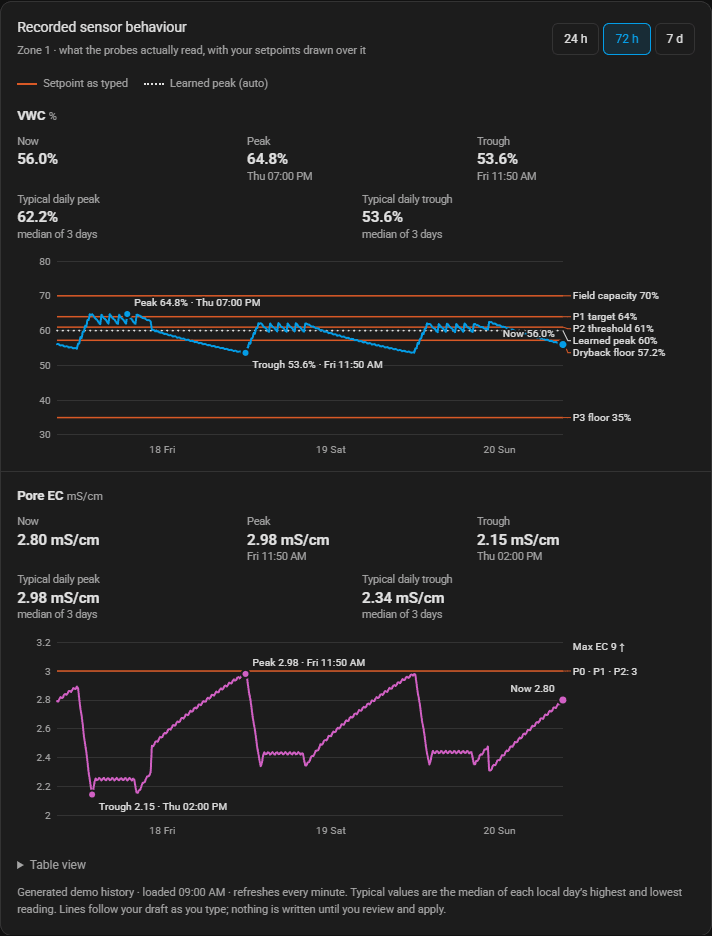
History: recorded sensor explorer
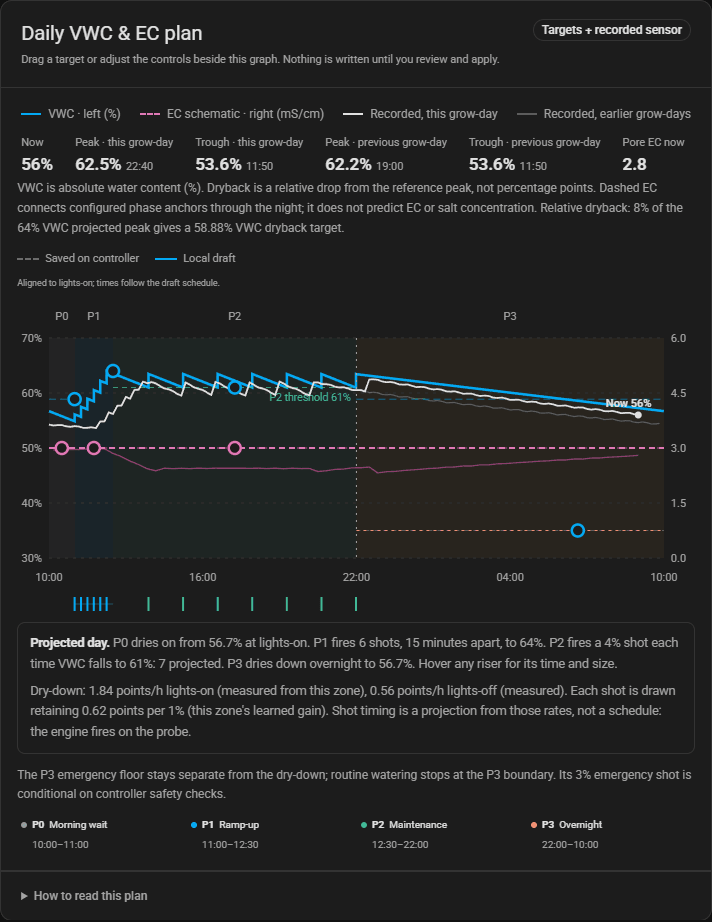
Irrigation: Current day beside the plan graph
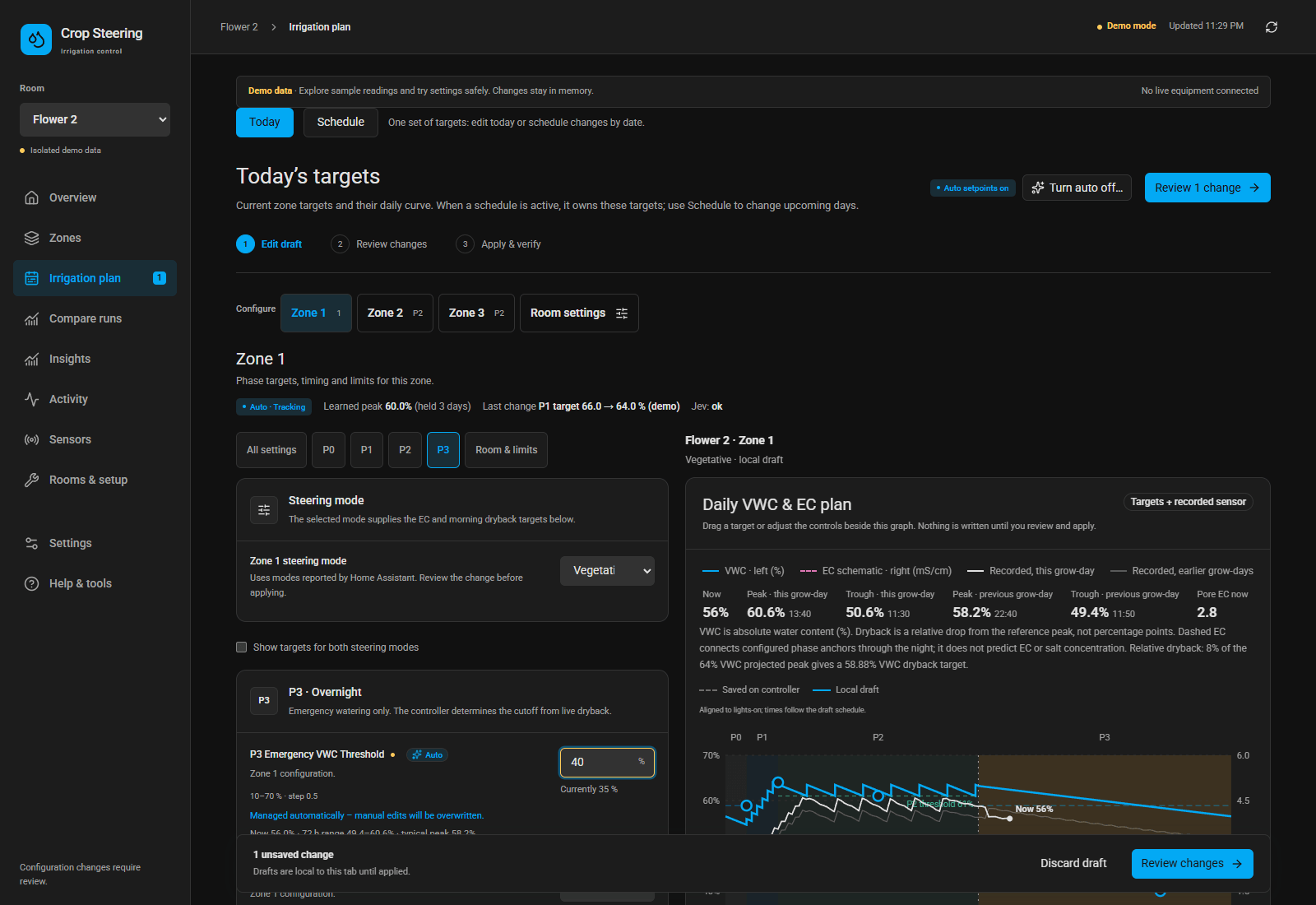
Room switched off
Recorded run comparisons
User-authored recipe library
Rooms and sensor mapping
Mobile overview
Reproduce every published screenshot with node frontend/scripts/capture-readme.mjs after building the frontend. The script reads only the checked-out compiled demo, blocks external and Home Assistant API requests, and fails on browser runtime errors. It writes all 26 screenshots to img/ and records their route, selector, viewport and source SHA-256 in the screenshot manifest. The logo is a brand asset and is not a dashboard capture.
The stable filenames are shared by README, this gallery and the website. Copy the images from this publication set when refreshing the website. Never use screenshots from output/ha-ui-deploy, real Home Assistant sessions or private facility data. Browser verification scripts also create test evidence and may overwrite individual images; run the publication capture last, after verification, to publish one consistent set.
3.18 release screenshots
The tour in the changelog and the pictures in the feature pages are in docs/screens/: nineteen pages, plus the Presets panel and a room's Upgrade report on their own, each at 1440 × 900 in the light theme (*-desktop-light.png) and 390 × 844 in the dark theme (*-phone-dark.png). They come from the compiled demo on the 3.18 backend with the clock fixed at 15:50 on 18 October 2026, so two runs give identical files. Rebuild the frontend, then run node frontend/scripts/capture-screens.mjs and python scripts/optimise_screens.py.